FS-Portal.euFS-Portal.euMod Catalog

In catalog

16,436

Farming Simulator versions

Mods

Categories

Maps, objects, textures

7 subcategories • 3436 mods

Browse 3436 FS25 mods in Maps, objects, textures plus 7 subcategories for faster discovery.

All mods in this section

3436 mods

0
Helper Price Changer

Helper Price Changer

Gallery Description FS25 Helper Price Changer v1.0.0.1 This mod will make you able to thange the prices of the ingame AI helper. You will be able to select the following: 10%, 25%, 50%, 100%, 150%, 200%, 250%, 300%, 400%, 500%, 1000% or 2000% of the normal helper hour rate. Changelog 1.0.0.1 – Now remembering settings between saves Credits Chris1969

Published: Apr 24, 2026

Downloads: 0Ratings: no votes yet.
0
Ostatnia pozycja gracza

Ostatnia pozycja gracza

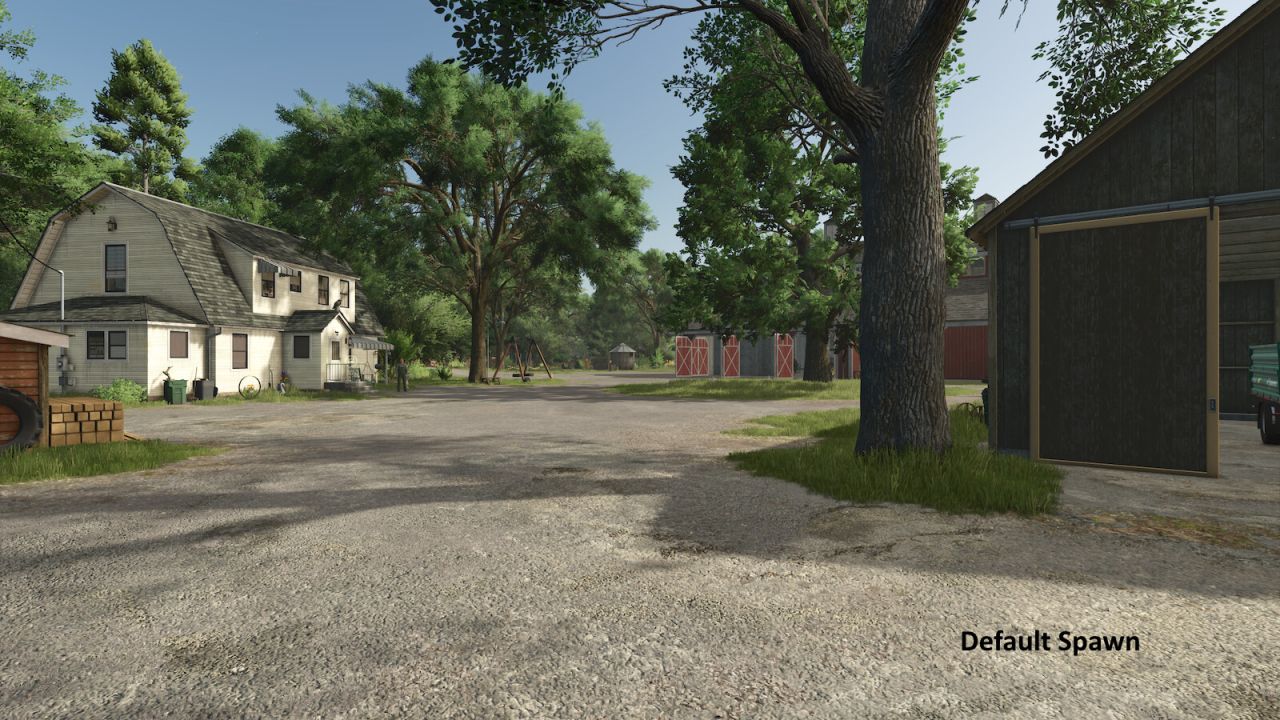
Zapisuje pozycję każdego gracza po rozłączeniu, niezależnie od cyklu zapisywania serwera. Po ponownym połączeniu gracze są teleportowani z powrotem na swoją ostatnią pozycję. Działa na piechotę i w pojazdach. Kompatybilny z singleplayerem, multiplayerem i serwerami dedykowanymi.

Published: Apr 24, 2026

Downloads: 0Ratings: no votes yet.
0
Pomocnik zmieniacza cen

Pomocnik zmieniacza cen

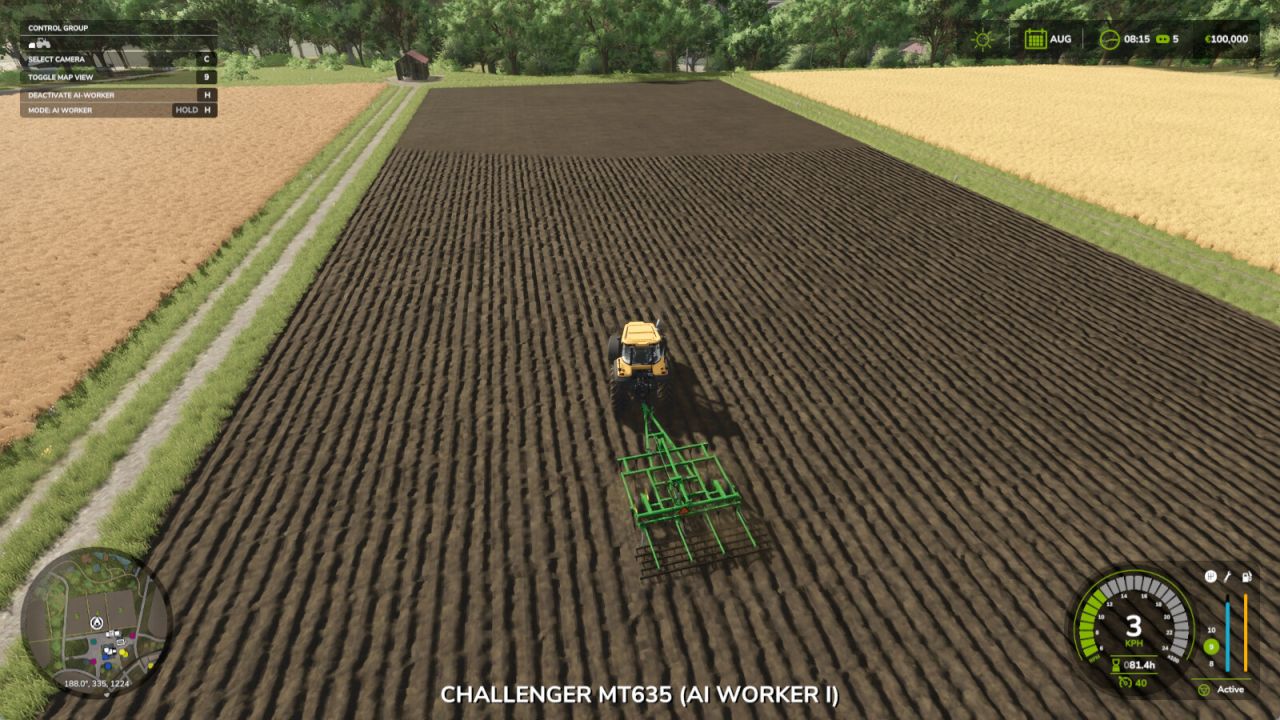
Ten mod pozwoli ci obniżyć ceny pomocnika AI w grze. Będziesz mógł wybrać następujące opcje: 10%, 25%, 50%, 100%, 150%, 200%, 250%, 300%, 400%, 500%, 1000% lub 2000% normalnej stawki godzinowej pomocnika.

Published: Apr 24, 2026

Downloads: 0Ratings: no votes yet.
0
Kontrola pogody

Kontrola pogody

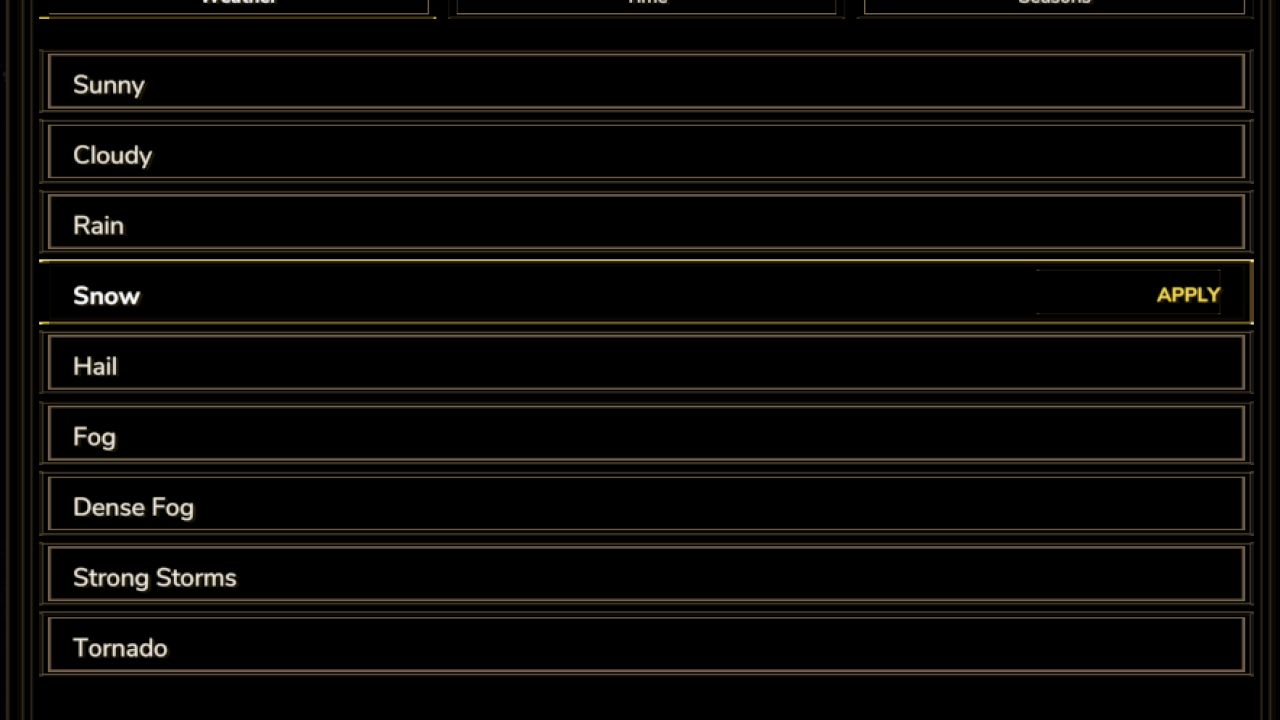
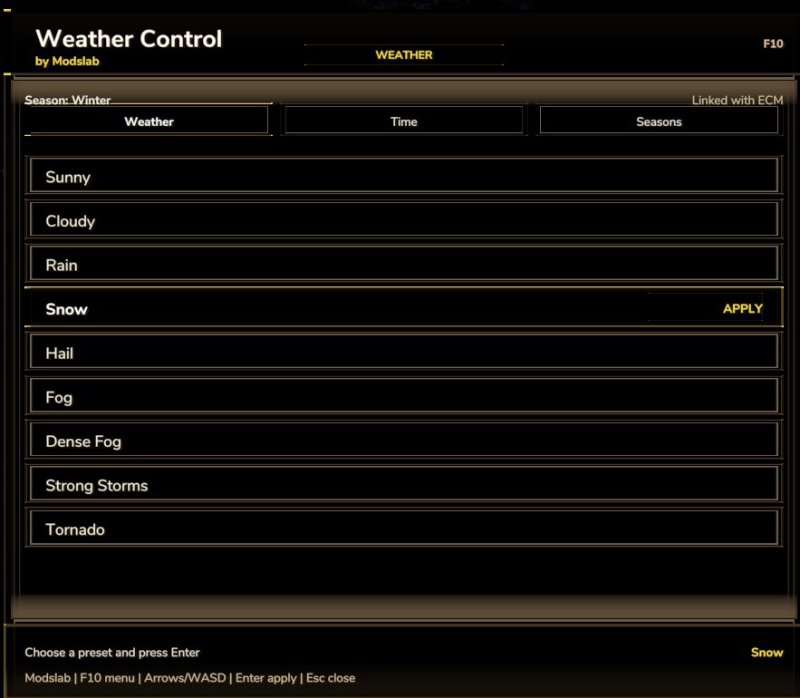
Kontroluj pogodę i dzień/noc za pomocą menu. Aby otworzyć menu, naciśnij klawisz F10. - Zmień warunki pogodowe: deszcz, słońce, pochmurno, mgła, śnieg, burza, tornado itp.; - Zmień dzień/noc/popołudnie/rano/itp - Zmień pory roku: 4 opcje. Dołącz także do mojego Patreona: https://www.patreon.com/cw/ML2000

Published: Apr 24, 2026

Downloads: 0Ratings: no votes yet.
0
AutoDrive Navi AddOn

AutoDrive Navi AddOn

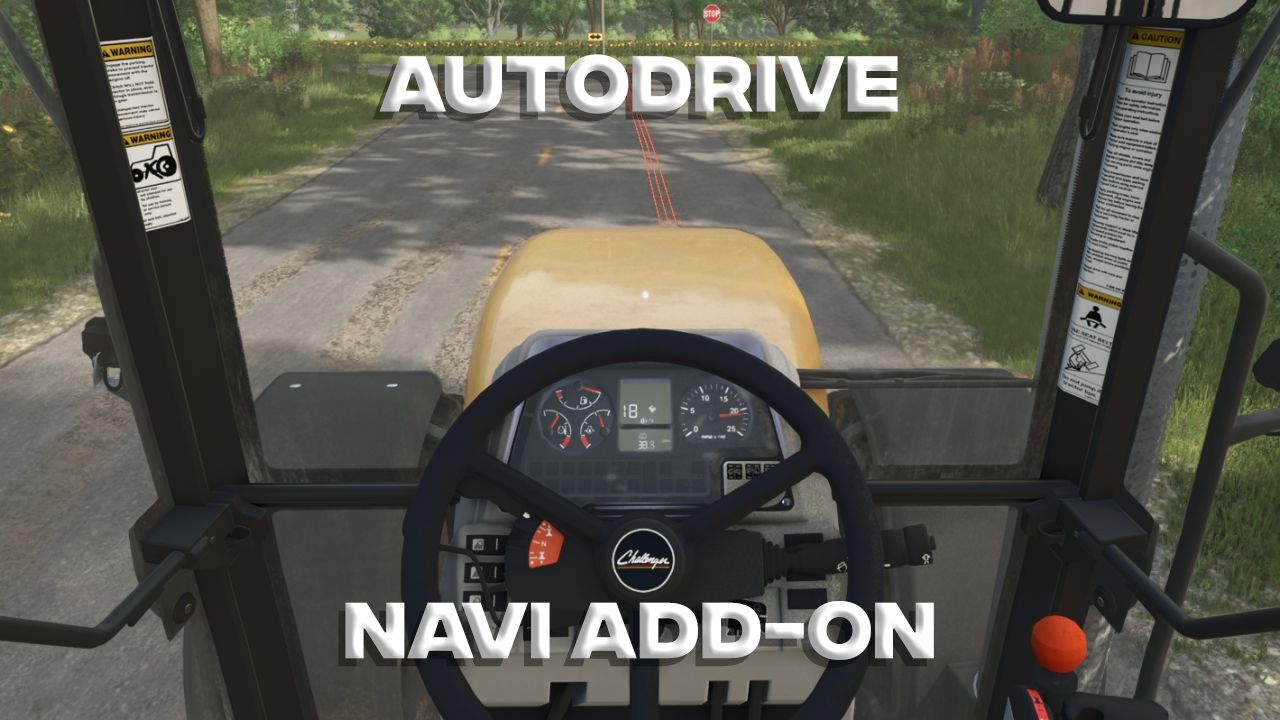
Ten mod zmienia mod AutoDrive w system nawigacji. Wsiądź do pojazdu, wybierz cel podróży z menu AutoDrive, naciśnij prawy Shift+N, a trasa pojawi się na minimapie oraz jako linia na drodze. Naciśnij Ctrl+RightShift+N, aby otworzyć Ustawienia. Tutaj masz dwie zakładki: Minimapa i Ulica, pomiędzy którymi możesz przełączać się za pomocą Q i E. Użyj klawiszy strzałek w górę i w dół, aby wybrać pozycję w menu (lub po prostu kliknij myszką), a następnie użyj klawiszy A i D lub klawiszy strzałek w lewo i w prawo, aby przewijać opcje. Ustawienia są następujące: Minimapa Wyświetlanie: Jeśli chcesz widzieć tylko linie na drodze, możesz tutaj wyłączyć je dla minimapy. Kolor: Zmień kolor wyświetlanej linii. Grubość: zmień grubość wyświetlanej linii. Widoczność: wybierz, jak długo linia ma być widoczna na minimapie. Cała trasa jest zawsze wyświetlana na dużej minimapie. Pamiętaj, że zbyt długa linia będzie „skumulować się” na krawędzi minimapy. Pokaż ulicę : Jeśli chcesz widzieć linie tylko na minimapie, możesz tutaj wyłączyć je dla dróg. Kolor: Zmień kolor wyświetlanych linii. Długość: dostosuj długość linii wyświetlanych przed tobą. Grubość: Grubość jest definiowana przez liczbę wyświetlanych cienkich linii. Start: Tutaj możesz wybrać, jak daleko przed tobą powinny zaczynać się wyświetlane linie. Mod ten może być dowolnie modyfikowany i rozpowszechniany. Został przetestowany z wersją AutoDrive 3.0.1.2 na mapie Riverbend Springs. AutoDrive jest wymagany z oczywistych powodów. Ale prawdopodobnie już z niego korzystasz, jak każdy gracz Farming Simulator. Uwaga dotycząca przejrzystości: ten mod został stworzony przy użyciu sztucznej inteligencji.

Published: Apr 24, 2026

Downloads: 0Ratings: no votes yet.
0
Weather Control (1.2.0.0)

Weather Control (1.2.0.0)

Gallery Description FS25 Weather Control (1.2.0.0) Global update for my old mod. Now works as a standalone menu (Press F10 to open). In this menu, you can – Change weather conditions (also added new options like fog, storm, etc) – Change seasons (added in version 1.2.0.0) – Change nightime/daytime (added new time options in version 1.2.0.0) Please, always keep my original link! Credits modslab (me) Uploaded by Modslab

Published: Apr 23, 2026

Downloads: 0Ratings: no votes yet.
0
Gülzow

Gülzow

Gallery Description FS25 Gülzow v1.0.1.0 Gülzow, Mecklenburg-Vorpommern The Gülzow near Stavenhagen map reflects the characteristic landscape of Mecklenburg-Vorpommern. Wide fields, green meadows, dense forests, and picturesque villages define the area, offering you an authentic rural environment. Here you can experience the diversity of agriculture while combining traditional practices with modern techniques, expanding your farm step by step. Features: – 32 soil angles – New crops: Rye, Spelt, Triticale, Green Rye, Wick Rye, Mustard, Humus Activator, Silage Maize, Flowering Cover Crops, Winter Wheat, Summer Wheat, Winter Barley, Summer Barley, Clover, and Lucerne – Partial replanting with realistic road layouts, fields, and road signs – Realistic stubble destruction – Seed and harvest calendar adjusted – More paintable textures added (also ingame) – Cotton and sugar cane are not grown by AI – Local registration plates – Changed lime texture – 40 fields with a total area of 1246 hectares – 15 grass fields with a total area of 72 hectares – The total area: 1318 hectares – 8 removable farms – In-game help added – Realistic yields and sale prices – Realistic feeding values – Custom soil map for Precision Farming – New crops added for animal feed – Custom Colorgrading/Environment _________________________________________________ Changelog 1.0.1.0: – Fixed straw selling point unloading trigger – Adjusted crop destruction for beets, carrots, parsnips, peas, and beans – Adjusted rapeseed to Patch 1.18 – Removed log warnings related to the Vredo DLC – Removed apple waste in the compost silo – Added foliageDamage.xml for the Vredo DLC – Fixed sheep pasture – Adjusted potato and sugar beet selling prices – Added selling points for bush beans, peas, onions, and spinach – New clover and alfalfa textures No new savegame is required! Note: The first time you start the save game, longer loading times may occur. Credits AgrarlohnVirtual

Published: Apr 23, 2026

Downloads: 0Ratings: no votes yet.

0
Nordkirchen Map 4x

Nordkirchen Map 4x

Gallery Description FS25 Nordkirchen Map 4x Nordkirchen is an idyllic map built based on the original terrain. The area reflects the agricultural region of Nordkirchen, north of Dortmund. It is not a 1:1 recreation, but closely inspired by the original area. Key facts: • 4×4 km area available for building and farming • 200 fields (1111.61 ha / ⌀ 5.56 ha) • 20 meadows/pastures • 30 forest areas with 46.464 trees • Realistic ground deformation • 32 Ground angle • Environment adjusted • Precision Farming 3.0 compatible • Permanently integrated productions: seed, fertilizer, lime & feed production, composter, separator & water disposal • 25 buying points and 29 selling points • 21 production facilities • One permanently installed 1 MW biogas plant (BGA) • 150 collectible items • Stubble destruction for: barley, canola, corn, oats, sorghum, soybeans, sunflowers, wheat, rye, triticale, spelt, green rye, and vetch rye • 9 additional crops: rye, triticale, spelt, green rye, vetch rye, field grass, silage corn, humus activator, and mustard • 84 ground textures and 77 trees available for landscaping Information: • For players starting without a starter farm, 6 fully designed farms are available • For better overview, decorative grass can be toggled on/off in the crop overview • Additional productions can be freely placed • The base production pack by FrechDachs93 is not required, as all relevant productions are already integrated. • Compost can be used as fertilizer • Manure spreaders support manure and compost, including correct spreading pattern for compost • All functions are fully compatible with Precision Farming • Basic information about the map can be found under Settings → Help. Use the arrows next to Base Game to browse additional hints. Credits FrechDachs93

Published: Apr 23, 2026

Downloads: 0Ratings: no votes yet.

0
GDR Grain Hall

GDR Grain Hall

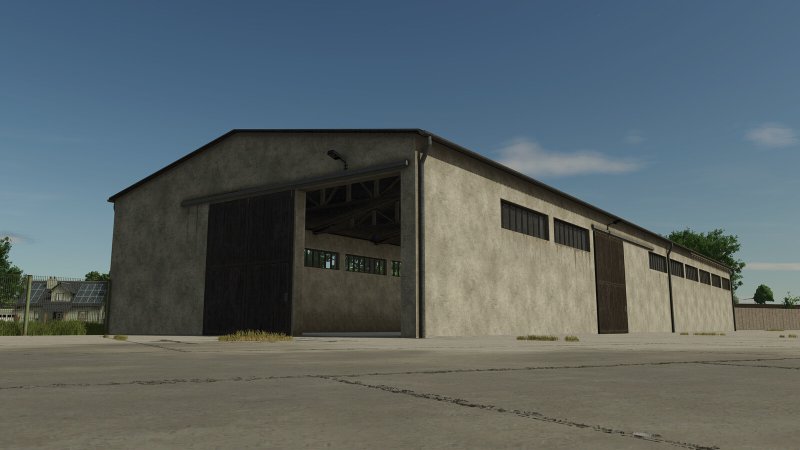
Gallery Description FS25 GDR Grain Hall GDR grain hall for storing bulk grain. – Size: 50m x 15m – Price: 85.000 $ – Daily maintenance: 100 $/day Credits PowerausdemOsten

Published: Apr 23, 2026

Downloads: 0Ratings: no votes yet.
0
Steering Lock

Steering Lock

Gallery Description FS25 Steering Lock Locks a vehicle to a compass heading with gentle persistent correction. Works with any steerable vehicle. All keys are unbound by default. Assign them in the in-game Controls menu under “Steering Lock”. Actions / Keybinds: – Activate / Deactivate: Toggle the steering lock on or off – Cycle Heading Preset: Cycle through 0 / 90 / 180 / 270 degrees – Clear Heading: Clear the preselected heading, and disable the hud overlay. – Get Current Heading: Capture the vehicle’s current compass heading – Fine Adjust Heading +0.1 deg: Nudge the target heading clockwise (hold to select faster) – Fine Adjust Heading -0.1 deg: Nudge the target heading counter-clockwise (hold to select faster) – Reposition HUD: Move the HUD display to a different location Usage: First set a heading using the preset cycle or by capturing the current heading. Fine-tune the heading with +/- adjustments if needed. Activate to lock to that heading. The heading is remembered when deactivated so you can resume without re-setting it. Works better at lower speeds, there is less impact at high speeds to avoid overcompenating and wobbling too hard back and forth. Reverse lock functionality: The lock stays active while reversing too! – the steering correction automatically inverts so the vehicle holds the same heading backward along the same line. Useful for tight silage compacting, tool work, row tasks, backing straight into unloaders and into trailers, or parking spots without losing your heading. If you want to back up freely to maneuver, just deactivate first – your heading stays remembered and one press of Activate re-engages the lock, same thing with going forwards! HUD Reposition: Press the Reposition HUD key to enter reposition mode. The mouse cursor appears automatically, with the reposition box. Move the mouse to place the HUD, then LEFT-CLICK to save. Credits mike1000195

Published: Apr 23, 2026

Downloads: 0Ratings: no votes yet.