FS-Portal.euFS-Portal.euMod Catalog

Im Katalog

16.436

Farming Simulator-Versionen

Mods

Kategorien

Maps, Objekte, Texturen

7 Unterkategorien • 3436 Mods

Hier findest du 3436 FS25-Mods in Maps, Objekte, Texturen sowie 7 Unterkategorien zum schnelleren Browsen.

Alle Mods in diesem Bereich

3436 Mods

0
METools for Giants Editor

METools for Giants Editor

Galerie Beschreibung LS25 METools for Giants Editor V27.11.2024 Release 27.11.2024 Added METools – Place Objects Along Spline First Github Release Added METools – Spline Exporter Added METools – Set Terrain Height Interpolated This is a Collection of Tools (Scripts) for Giants Editor I wrote over time. There are scripts useful for mapping but also Scripts useful for vehicle integration. Here we have the FS25 / GE10 Edition, some things have changed, some things have been lost or are no longer needed. I am working on updating all the older Scripts for the new Environment, also working on adding UI to all my Scripts. The Collection will be updated and added onto over time, also Scripts might be changed or improved upon. If you are looking for an older Version of a particular Script you can use the Commits to find an older one. Initial Release on Github for FS25 Version is 24.11.2024. Bugreports and Feedback is welcome in the Issues. There are no Tutorials on the Scripts as of right now but I made sure to add a short explanation into the UI of each Script. Installation and Use To Install these Scripts into your Giants Editor: In your Giants Editor go to Window -> Script Editor. It opens the Script Editor. Now on the left side you see a List of Folders. Right-Click on “User Scripts” and select “Explore Folder”. Now you are in the Folder where the Scripts are saved. Simply copy the ‘METools’ Folder there and restart GE. (Alternatively, the ‘User Scripts’ Folder is AppData/Local/Giants Editor 64bit VERSION/scripts/ – copy METools there. This way you can skip using GE to find the Folder) Credits Modelleicher

Veröffentlicht: 28.11.2024

Downloads: 0Bewertungen: noch keine Stimmen.
0
Landwirtschafts Simulator 25 Update 1.3.0.0 (patch 1.3.0.0)

Landwirtschafts Simulator 25 Update 1.3.0.0 (patch 1.3.0.0)

Galerie Beschreibung LS25 Landwirtschafts Simulator 25 Update 1.3.0.0 (patch 1.3.0.0) Bugfixes & Changes Fixed attacher position on Wifo HMZ 340/3000 Fixed brushing horses in multiplayer Fixed bug preventing to pet the dog Fixed configurations of Elmers Super 7 Fixed conveyor belt attachers not supporting cars and machines without 3 point hitch Fixed direct seeding after mulching or hail damage Fixed discharging of Lizard MKS 32 Fixed effect of MKB-4TR in multiplayer Fixed fertilizing function of Novag T-Force Fixed footstep sounds on building collisions Fixed game freezing when using the Brielmaier windrower Fixed headers flying away from header trailers when placed from the wrong side Fixed Ignition lock issues with automatic motor start setting Fixed ignition lock not turning displays on in the ignition only state Fixed issues with fences blocking clients from joining multiplayer games Fixed issues with a few UI elements on non 16:9 aspect ratio displays Fixed MacDon FD250 spawning in the ground Fixed memory leak when plowing during Steering Assist calculation Fixed migrated singleplayer savegames in multiplayer causing problems with the guided tour Fixed migrated singleplayer savegames in multiplayer having incorrect farm slots available Fixed mirror reflections being too bright Fixed mirror reflections displaying the environment texture enlarged Fixed missing bonus on selling machines directly at the shop Fixed missing foilwrap on cotton round bales Fixed missing info in landscaping while out of money Fixed mission „balewraping“ sometimes spawning outside the actual field Fixed mission „tree transport“ showing and spawning incorrect machinery preview in multiplayer Fixed mission progress display incorrectly showing missions from other farms Fixed mission time not being displayed in multiplayer Fixed modhub not showing screenshots for updates Fixed modhub search within the category view Fixed money being charged when selecting a fence without placing it Fixed multiplayer rejoin issue with AI worker Fixed not spawning at the farm’s owned farmhouse Fixed placeables position/rotation not being accurate on clients Fixed rice field flooding sync in multiplayer for clients Fixed screenshots not capturing while in menu Fixed sound not playing when filling the dog bowl Fixed spreading function of Bredal SG2000 on unowned farmland Fixed stone contracts respawning on the same field Fixed support for some Xbox Controller revisions Fixed tire tracks not being removed when covering a silage silo Fixed unloading of unfinished bales Fixed used market vehicles loading without wheels Fixed used market vehicles using invalid configurations Fixed water costs with the old windmill pump, it’s free now Fixed flickering of the screen on some GPUs in some situations Reduced RAM and VRAM usage Fixed support for Xbox wireless controller on MacOS Fixed sharpness setting with FSR3 Updated to XeSS 1.3.1.32 to avoid crashes with XeSS on some GPUs Fixed shader compilation stutter when switching graphics settings without restarting Riverbend Springs – added collisions to various props and smaller objects Riverbend Springs – adjusted tree transport mission location Riverbend Springs – fixed Go-To AI driving into building at sunflower farm Riverbend Springs – fixed various other smaller issues around the map Riverbend Springs – improved distance rendering of various objects / buildings Riverbend Springs – improved traffic splines on multiple roads Riverbend Springs – improved transitions in various spots to outside scenery Riverbend Springs – improved winter visuals Riverbend Springs – prevented swimming under the restaurant boat Riverbend Springs – removed main roads from buyable farmlands Hutan Pantai – adjusted clipDistances of various objects Hutan Pantai – disabled the Go-To AI to utilize the Highway temporarily Hutan Pantai – prevent Go-To AI driving through the concrete channel in t

Veröffentlicht: 28.11.2024

Downloads: 0Bewertungen: noch keine Stimmen.
0
Real Time Synchronization

Real Time Synchronization

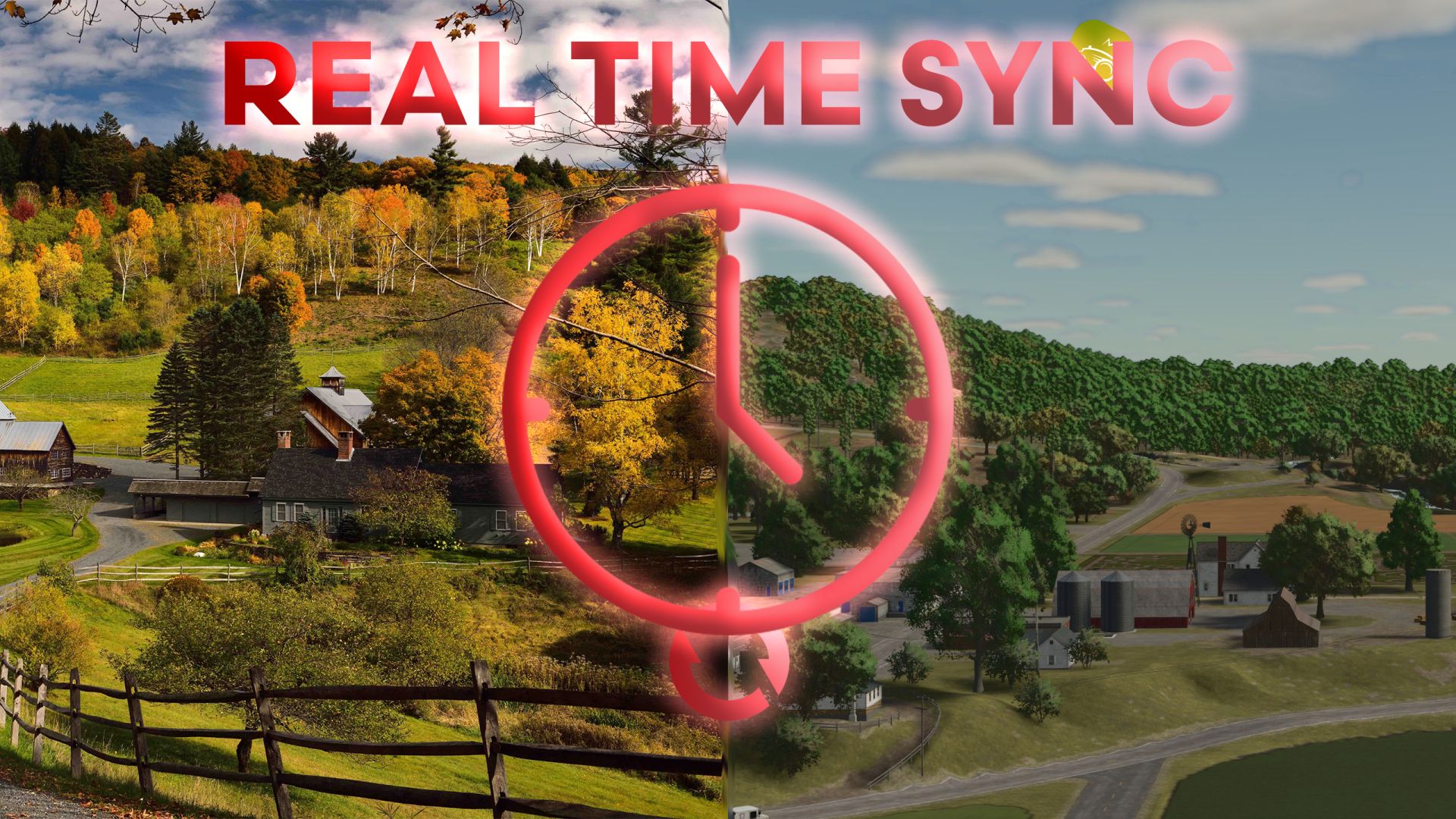
Mod Real Time Sync umożliwia synchronizację czasu odtwarzania z czasem rzeczywistym oraz ustawienie przesunięcia. Pomiar czasu zawsze opiera się na czasie UTC. Należy więc wziąć to pod uwagę podczas regulacji przesunięcia. Przykład: Aktualny czas: 13:00 (strefa czasowa UTC+1), co odpowiada godzinie 12:00 UTCOffset: -2 Docelowy czas gry to wówczas godzina 10:00. Szybkość gry zostanie automatycznie dostosowana (szybciej lub wolniej), aby zsynchronizować czas. Po zakończeniu synchronizacji skala czasu zostanie zresetowana do 1. Sterowanie: „rtsEnable”: Włącza synchronizację czasu. „rtsDisable”: wyłącza synchronizację czasu. „rtsOffset <numHoursOffset>”: ustawia przesunięcie w godzinach. Wprowadź liczbę godzin jako liczbę całkowitą, np. Przykład: rtsOffset -5.

Veröffentlicht: 28.11.2024

Downloads: 0Bewertungen: noch keine Stimmen.
0
TimeKeeper – mod działający w czasie rzeczywistym

TimeKeeper – mod działający w czasie rzeczywistym

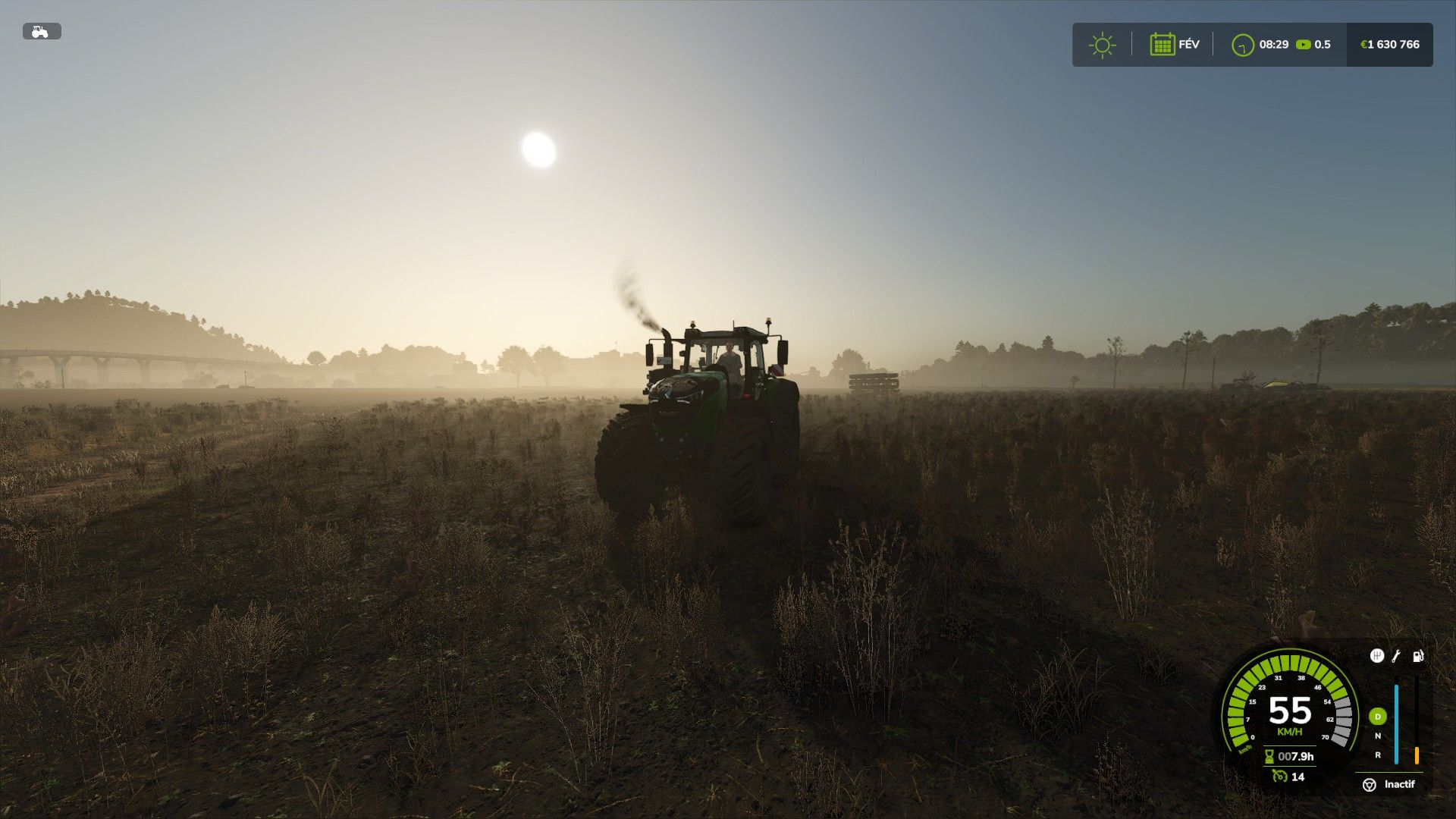
Timekeeper spowalnia czas do 0,1, aż dogoni Twój rzeczywisty czas, a następnie synchronizuje czas z czasem rzeczywistym, idealne dla serwerów dedykowanych, które działają 24 godziny na dobę, 7 dni w tygodniu bez przerw - spanie również oznacza, że ​​nie możesz przyspieszyć czasu szybciej niż w prawdziwym życiu, zastąpi także większość innych modów skryptów opartych na czasie czas jest ustawiany automatycznie w oparciu o Twoją strefę czasową lub strefę czasową Twojego serwera dedykowanego. Aby skorzystać z tego modu, ustaw czas w grze na czas rzeczywisty lub 1x prędkość i pozwól skryptowi zająć się resztą, w przypadku tego moda żaden dzień nie będzie pomijany, ponieważ tak się nie dzieje nie używaj żadnych poleceń konsoli znane błędy: ustawienie czasu w grze na 360x prędkość spowoduje, że chmury i niebo będą się poruszać, ale czas nie będzie płynął tak szybko, tylko w sposób graficzny <-- w tej chwili nie jest znana żadna poprawka Naciśnięcie klawisza Alt podczas używania tego moda w grach dla pojedynczego gracza powoduje dryf czasu <-- nie jest znana żadna poprawka, częściowo dotyczy to również sposobu, w jaki czas działa w FS25, być może zmieni się to wraz z przyszłymi aktualizacjami zgłoś błędy: wieczorem lub zostaw komentarz z wszelkimi napotkanymi błędami, a postaram się pomóc

Veröffentlicht: 28.11.2024

Downloads: 0Bewertungen: noch keine Stimmen.
0
Farming Simulator 25 Giants Editor

Farming Simulator 25 Giants Editor

Galerie Beschreibung LS25 Farming Simulator 25 Giants Editor v10.0.3 Farming Simulator Giants Editor v10 is a powerful, feature-rich tool designed by GIANTS Software for creating and editing custom content for the Farming Simulator game series. This versatile software enables modders and game enthusiasts to build maps, design vehicles, craft objects, and implement complex customizations for their Farming Simulator experiences. Key Features: Map Creation and Editing: Build intricate terrains using height maps and landscape sculpting tools. Place environmental elements like buildings, roads, vegetation, and water bodies. Seamlessly adjust textures and foliage for detailed, realistic landscapes. Object and Vehicle Modding: Import and edit 3D models in industry-standard formats (e.g., OBJ, FBX, and I3D). Apply shaders, textures, and materials with real-time preview capabilities. Fine-tune physics properties such as weight, suspension, and powertrain behavior. Scripting Support: Includes Lua scripting for adding custom functionality, such as interactive elements and dynamic animations. Debugging tools are available for refining code directly within the editor. User-Friendly Interface: A clean, intuitive workspace layout with dockable panels and customizable toolbars. Multi-view windows allow for editing from different perspectives: top-down, side, and 3D views. Integrated search tools to locate assets within large projects efficiently. Integration with Farming Simulator: Direct compatibility with the Farming Simulator ModHub, enabling seamless testing and sharing of mods. In-depth support for game-specific features such as seasons, soil composition, and AI traffic paths. Advanced Simulation Tools: Tools for creating dynamic objects like gates, conveyors, and animated machinery. Pathfinding tools for creating realistic routes for AI vehicles and pedestrians. System Requirements: The editor requires a PC with a capable GPU for rendering 3D environments, as well as adequate storage for large project files. It runs on Windows and may require installation alongside Farming Simulator for testing purposes. Farming Simulator Giants Editor v10 is the go-to software for anyone aiming to enhance the Farming Simulator experience, offering extensive modding capabilities for both novice and experienced users. With continuous updates and a vibrant community, it remains an essential tool in the modding ecosystem. Credits Giants Software

Veröffentlicht: 27.11.2024

Downloads: 0Bewertungen: noch keine Stimmen.
0
Kein Autolift Mehr

Kein Autolift Mehr

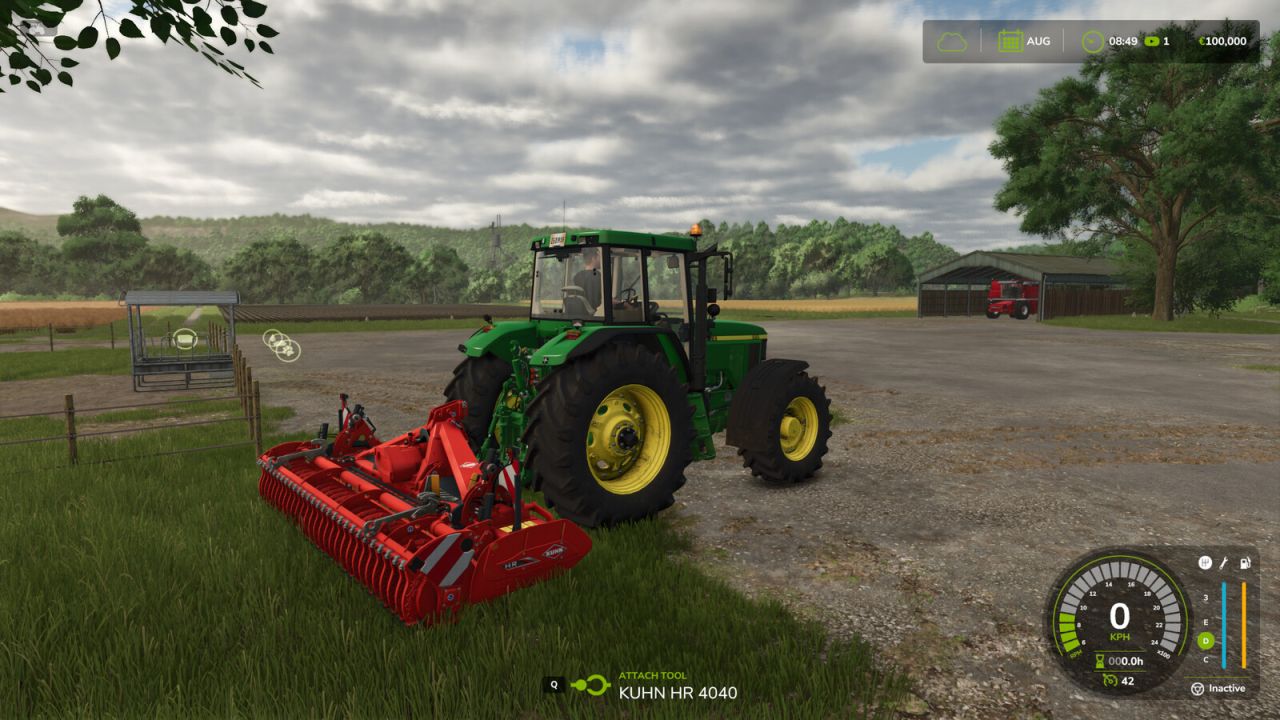
Galerie Beschreibung LS25 Kein Autolift Mehr Dank diese Modifikation bleibt das Anbaugerät im angebauten Zustand auf dem Boden. Weitere Informationen, ein vollständiges Änderungsprotokoll, Hilfe und das Melden von Problemen finden Sie unter GitHub. Credits VertexFloat

Veröffentlicht: 27.11.2024

Downloads: 0Bewertungen: noch keine Stimmen.
0
Schlafen Nach Belieben

Schlafen Nach Belieben

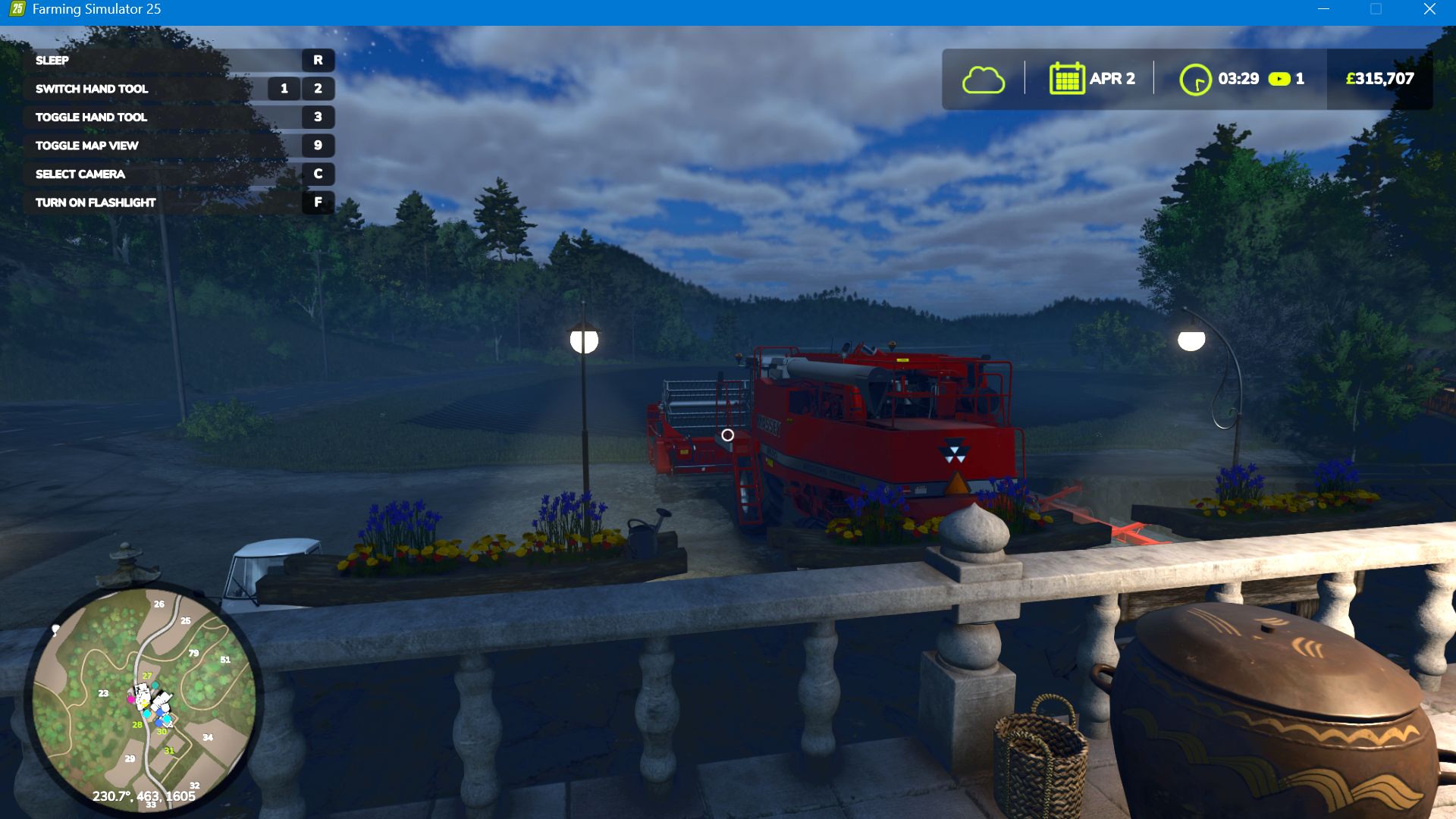
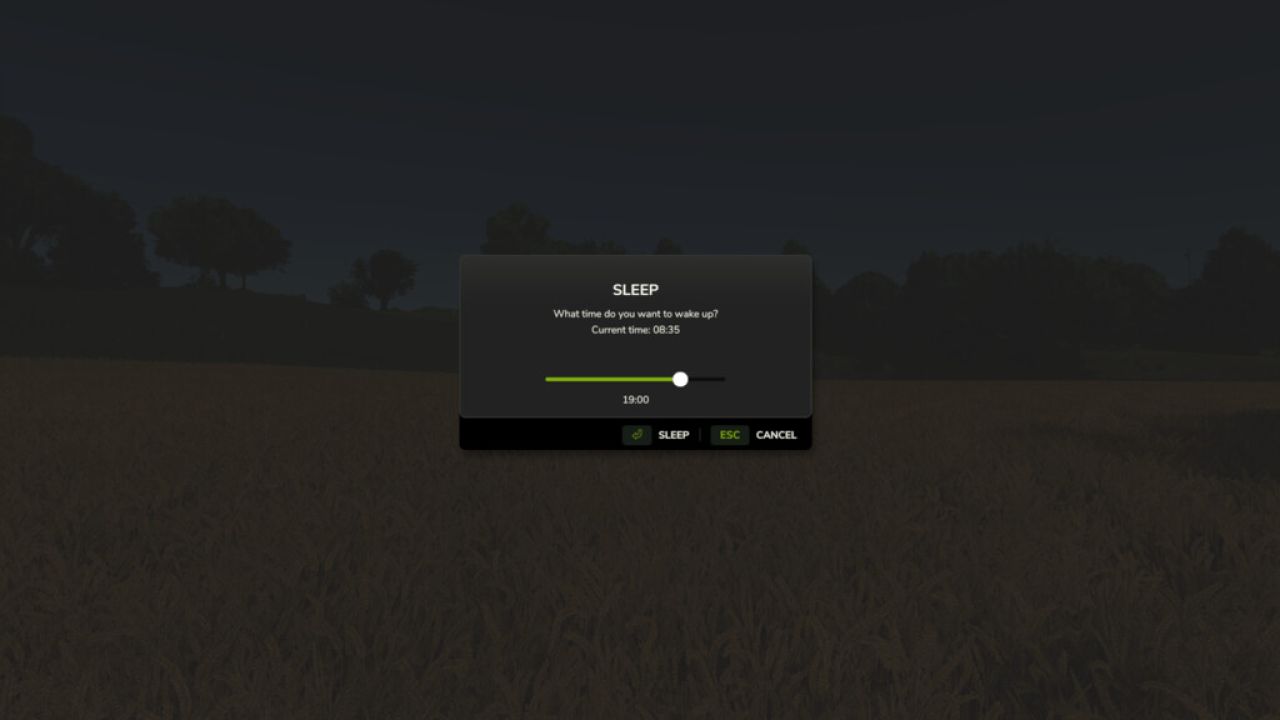
Galerie Beschreibung LS25 Schlafen Nach Belieben Ermöglicht es dem Spieler, überall zu Fuß zu schlafen. Linke Umschalttaste + Z zum Schlafen. Credits SMI Modding Team

Veröffentlicht: 27.11.2024

Downloads: 0Bewertungen: noch keine Stimmen.
0
Śpij do woli

Śpij do woli

Pozwala graczowi spać na piechotę w dowolnym miejscu. Skróty klawiszowe: lewy Shift + Z, aby uśpić.

Veröffentlicht: 27.11.2024

Downloads: 0Bewertungen: noch keine Stimmen.